🎞️ Related videos
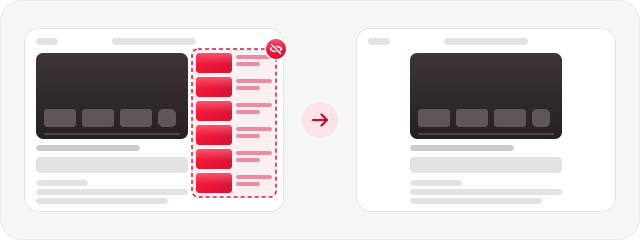
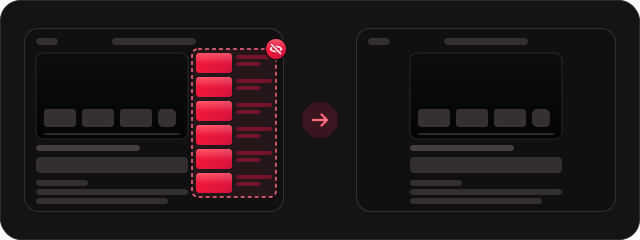
The "Up next" column beside the player. The video moves to the center; playlists, live chat and transcripts stay.
 Focus Mode

Watch the video you came for. The rest stays tucked away.
A free Chrome extension · open source · no tracking · not affiliated with YouTube
You'll get one folder.
Open chrome://extensions; the switch is at the top right.
Choose the unzipped folder. That's it.
📌 Pin it from the puzzle-piece icon in Chrome's toolbar.
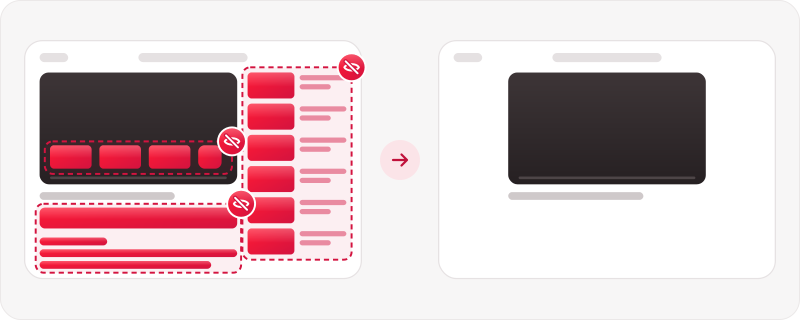
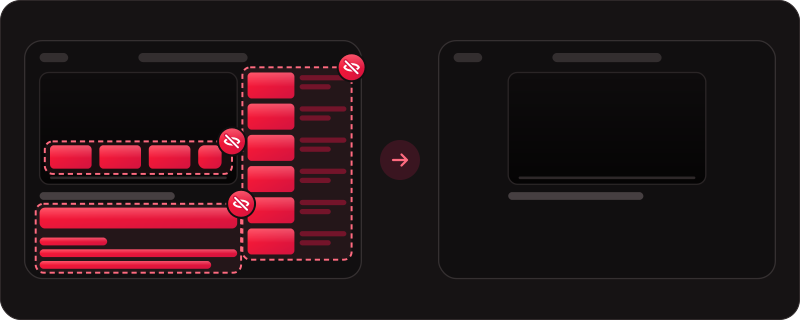
Each part has its own switch, and you can bring any of them back at any time.
The "Up next" column beside the player. The video moves to the center; playlists, live chat and transcripts stay.
The cards and suggestion grid that appear as a video ends. Autoplay's countdown stays visible.
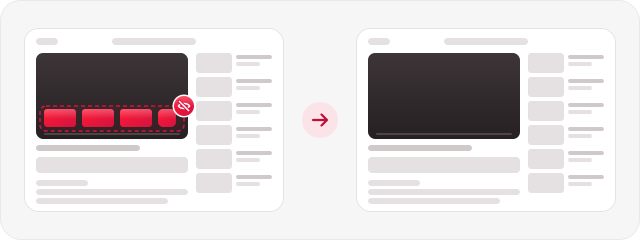
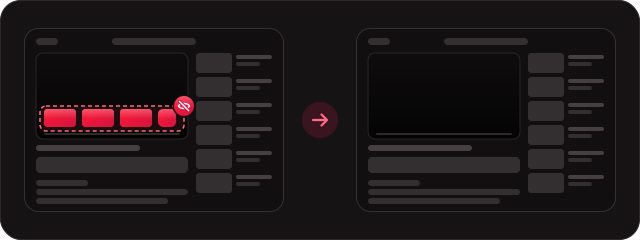
The comments under the video.
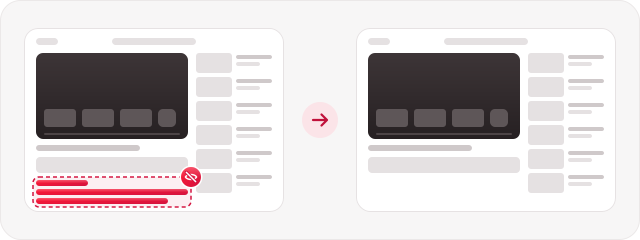
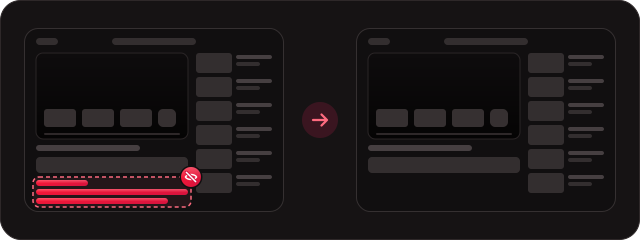
The box under the title with views, date and description.
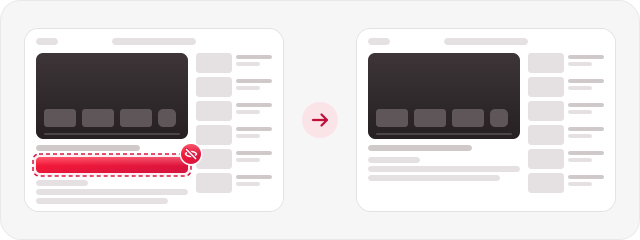
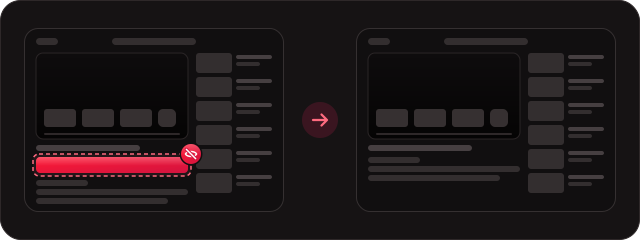
Rows of Shorts, single Shorts in search and under videos, and the Shorts menu entry.
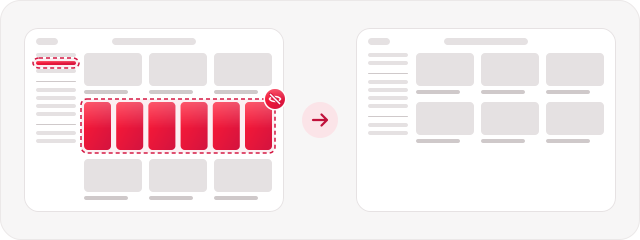
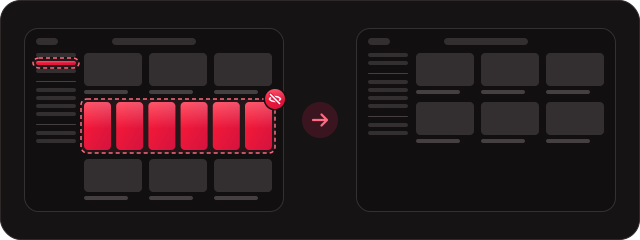
The Explore section of the left menu, and Home's "Explore more topics" row.
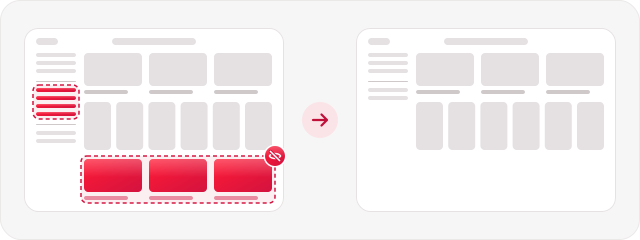
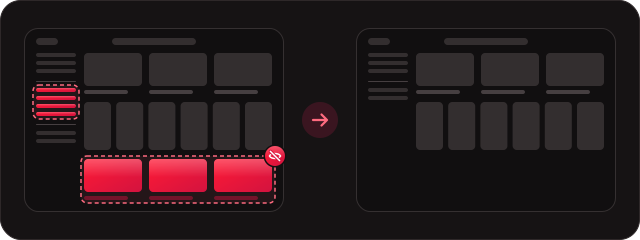
Master has three settings: On, Pause and Off. Pause for 15 minutes, 1 hour or until tomorrow morning, and it comes back by itself.
A small badge in the bottom-left corner of YouTube shows what's tucked away. It stays dim until you hover it and shows itself once a day. Close it and you get a few seconds to undo, or switch it off in the popup.


The Focus tab shows a small map of the video page and of Home. Tap a tile, or the area itself, to tuck it away or bring it back. Settings and About are one tab away.
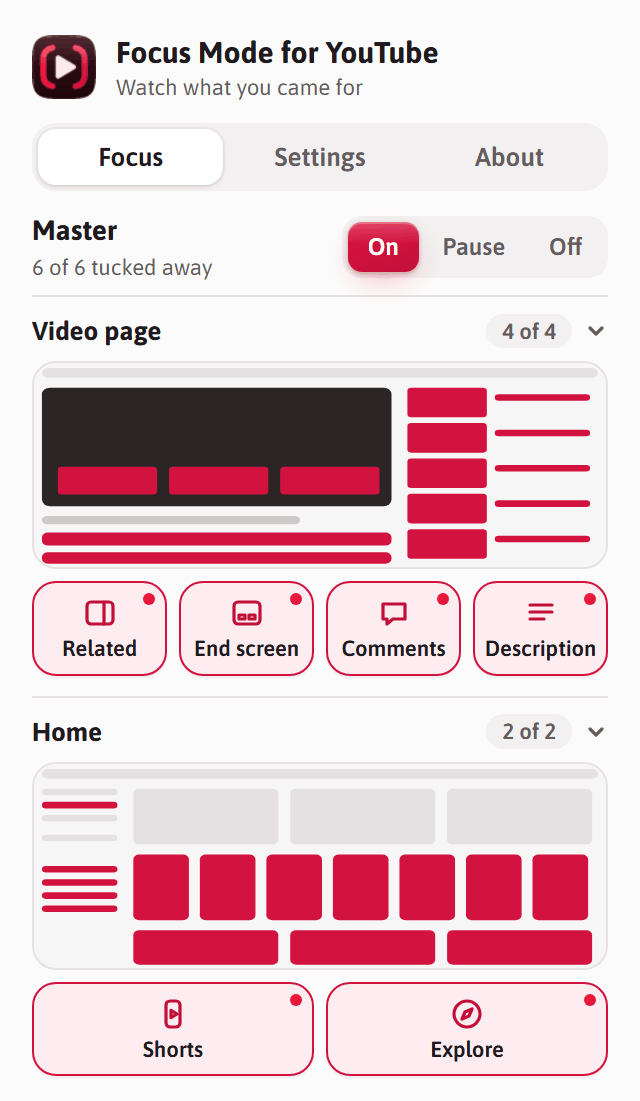
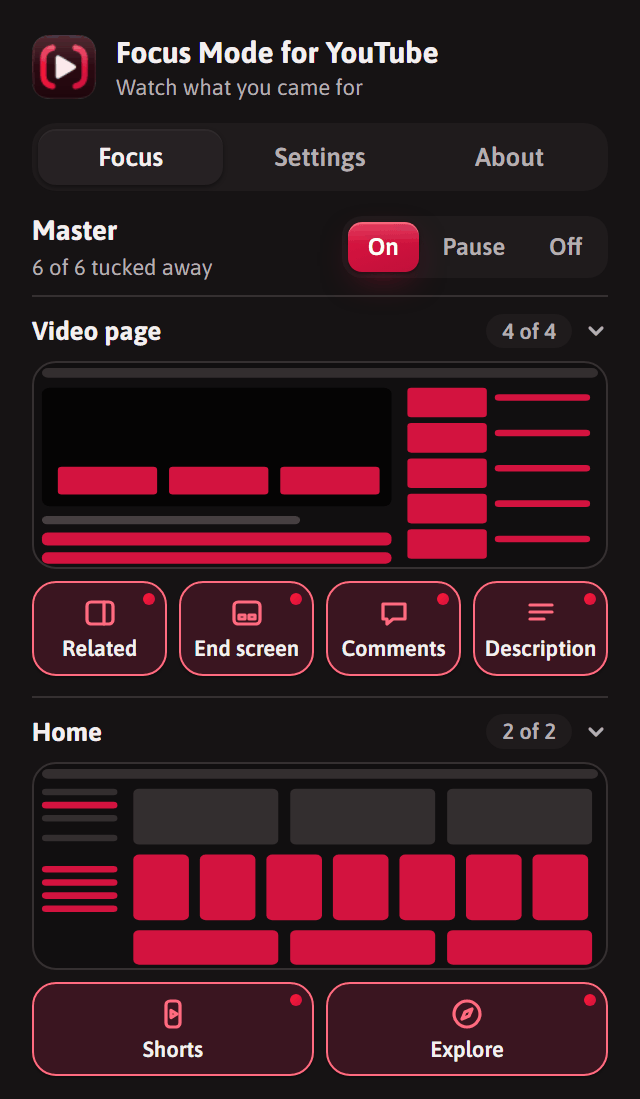
It runs only on youtube.com, its only permission is saving its own settings, and it makes no network requests. Nothing is tracked or collected.
More access isn't bad by itself: a tool that works on every website has to ask for every website. It just means more trust. Here's where common kinds of extensions sit.
YouTube changes its page often, so reports keep this working.
Download the new zip, unzip it over your old folder, and click Reload on the extension's card in chrome://extensions. Your settings stay, even if you move or rename the folder.
Works in Chrome 107+ and other Chromium browsers: Edge, Brave, Opera and Vivaldi. Their extensions page has the same Developer mode and Load unpacked options.
The hiding rules are plain CSS, applied before YouTube draws the page, so nothing flashes on screen first. A tiny script switches rules off for the parts you've chosen to keep. Changes apply to every open YouTube tab at once, and with Chrome sync on, your choices follow you to your other computers.
extension/      The extension: what's in the download
  hide.css      Rules that tuck each part away
  content.js    Switches rules off for parts you keep
  badge.js      The quiet corner badge
  settings.js   Loads and saves settings
  popup.*       The popup
tools/
  safety-check.html   The safety checker
Pull requests are welcome. For anything bigger than a small fix, please open an issue first. New releases are built automatically when a version tag is pushed.